Vybenix Logo
Vybenix
DesktopMobileLiveAMOLEDPremiumCategoriesFavorites
Vybenix Logo
Vybenix

Premium cinematic wallpapers and aesthetic media for digital culture and creators.

Explore Collections

AnimalsAnimeArt & DesignCity & ArchitectureGamingMovies & TVMusicNatureSpace & Sci-FiSportsTechnologyVehicles
TwitterInstagramDiscord
Android AppWindows AppPrivacyTermsDMCAContact
© 2026 Vybenix. All rights reserved.Powered by AI

Vybenix for Windows

Bring live wallpapers
to your Windows desktop.

Pick an MP4 wallpaper, preview it, and run it as an animated background behind your desktop icons.

Get Vybenix from Microsoft StoreSee the app

Available on Microsoft Store

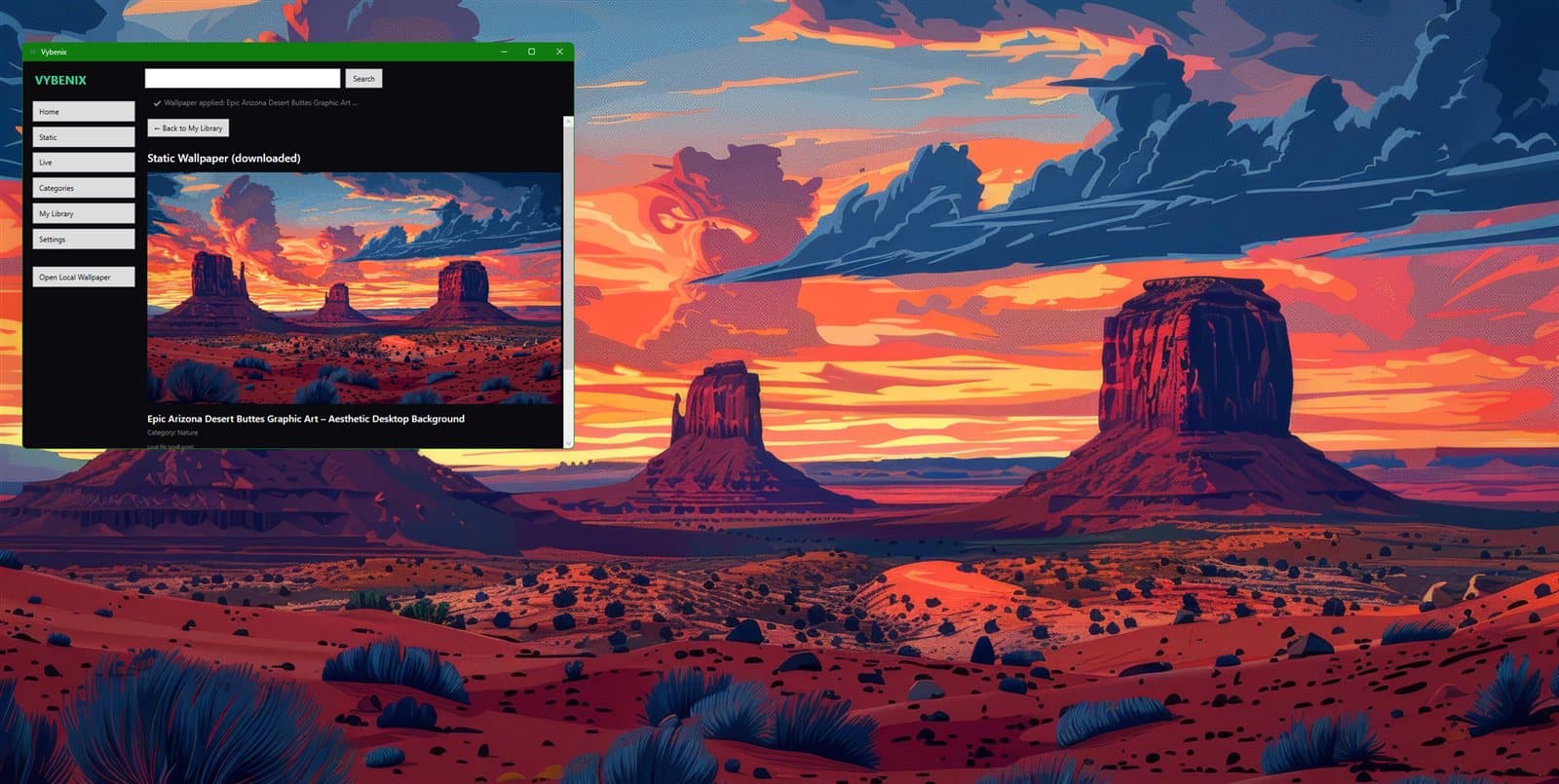
Vybenix live wallpaper running on a Windows desktop

Simple controls, live preview.

Choose your file, watch the preview, then set Cover or Contain before going live.
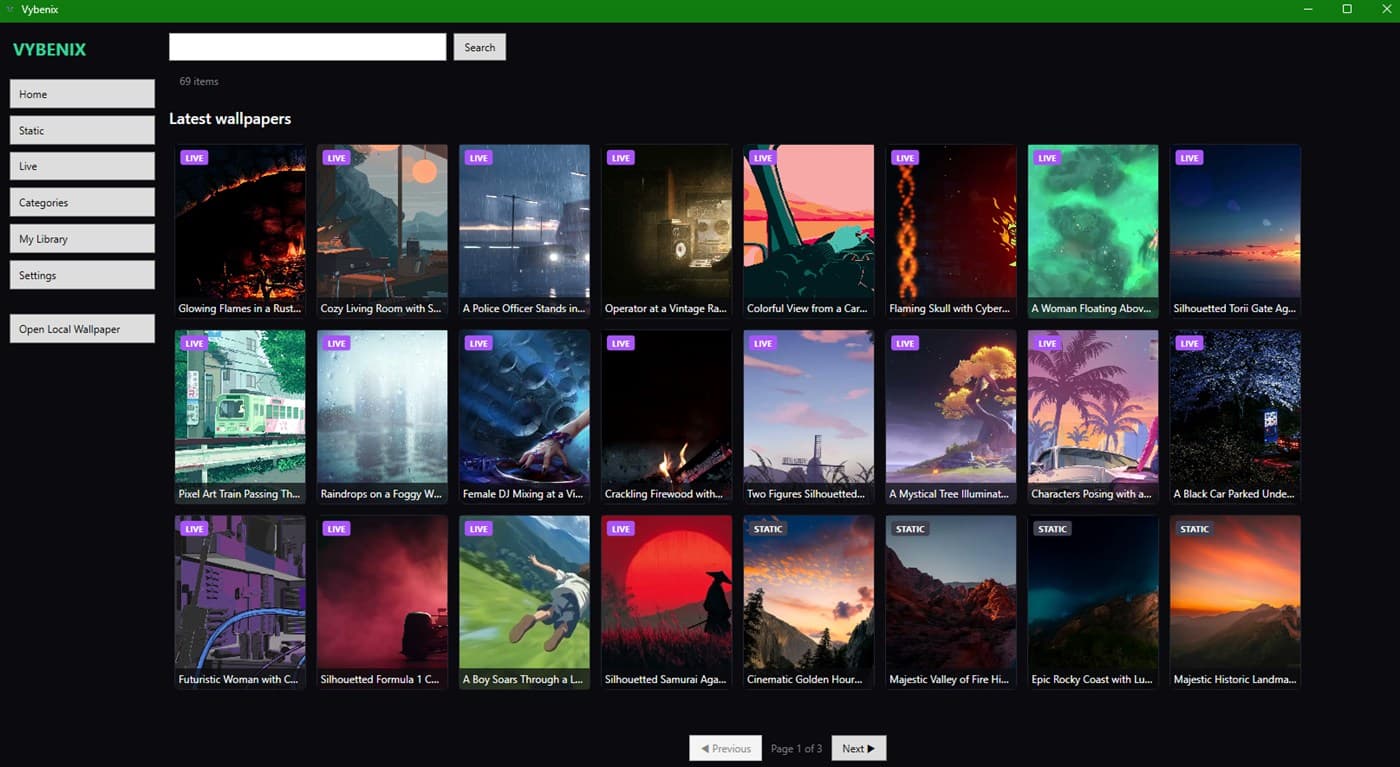
Vybenix for Windows application window with preview and playback controls

Three steps to a live desktop.

  1. 1

    Choose a downloaded wallpaper

    Pick an MP4 you saved from Vybenix on your PC.

  2. 2

    Preview and adjust its fit

    Watch it in the built-in preview, set Cover or Contain.

  3. 3

    Start it as your live wallpaper

    Your desktop plays the motion wallpaper behind your icons.

Vybenix live wallpaper on the Windows desktop

Local live playback

MP4 wallpapers run as desktop backgrounds, locally on your PC.

Built-in preview

Check a wallpaper in the app before it goes live.

Start · Pause · Stop

Full playback control, with desktop restore on stop.

Cover or Contain

Crop to fill your screen or fit the whole frame.

Optional startup

Opt-in Start with Windows. Off by default.

No account needed

Local playback of wallpapers you download.

Supported wallpaper format: MP4. System and desktop behavior may vary between Windows versions.

Bring Vybenix to your Windows desktop.

Motion wallpapers, played locally from your own library.

Get Vybenix from Microsoft Store

Using Android too? Explore Vybenix for Android